XApp Club
Custom Windows desktop companion

Magua Desktop Pet for Windows 11

Download a transparent floating desktop pet for Windows 10 or 11. Start with the client, then turn your own pet photo, family memory or original character into a custom animated desktop companion.

Windows 11 Desktop PetCustom Pet from PhotoTransparent Floating PetAnimated Companion
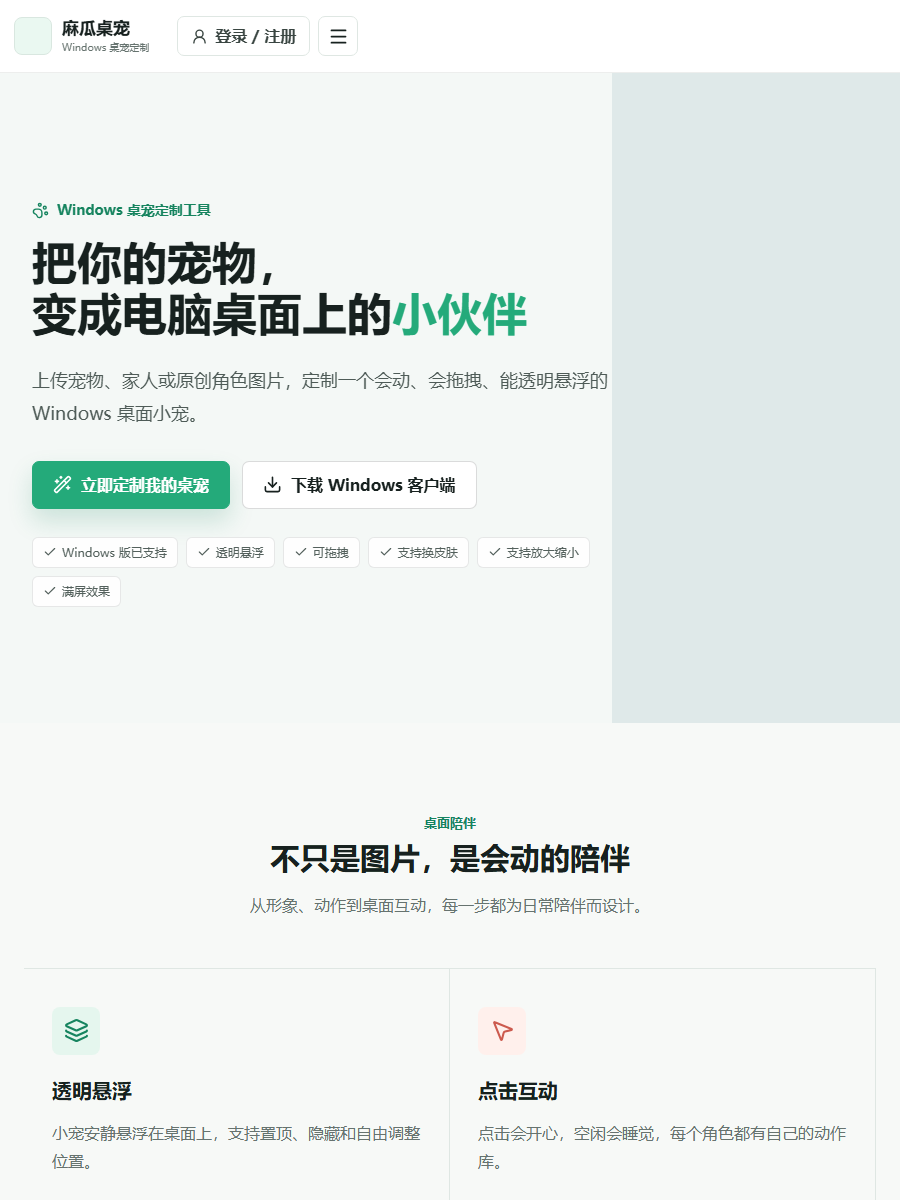
Magua custom desktop pet floating on a Windows desktop

What the Windows desktop pet can do

Transparent floating display

Keep an animated character on the desktop without replacing the wallpaper. Move it around the screen and adjust its size for work or study.

Custom character sync

Create a pet or character from material you have permission to use, then sign in to sync the finished companion to the Windows client.

Simple desktop controls

Drag, resize, pin, hide and switch available actions without rebuilding the character package.

Personal companion ideas

Use a dog, cat, family memory, original OC or licensed mascot as a more personal desktop decoration.

Make a custom desktop pet from a photo

  1. Install the Windows desktop pet client and test the included character.
  2. Choose two or three clear photos with the full subject visible.
  3. Open the production website, select a photo or green-screen workflow and confirm the price before paying.
  4. Submit only material that belongs to you or that you are authorized to use.
  5. When production finishes, sign in to the client and sync the new animated pet.

Read the photo-to-desktop-pet guide

Frequently asked questions

Does Magua Desktop Pet work on Windows 11?

Yes. The client supports Windows 10 and Windows 11 and runs the character in a transparent floating window.

Can I make a desktop pet from my own dog or cat?

Yes. Clear photos with the complete animal visible are the best starting point. You can review the material requirements before submitting an order.

Is this an animated wallpaper?

No. It is a movable desktop companion that can float above the desktop and application windows without replacing the wallpaper.