How local call simulation works
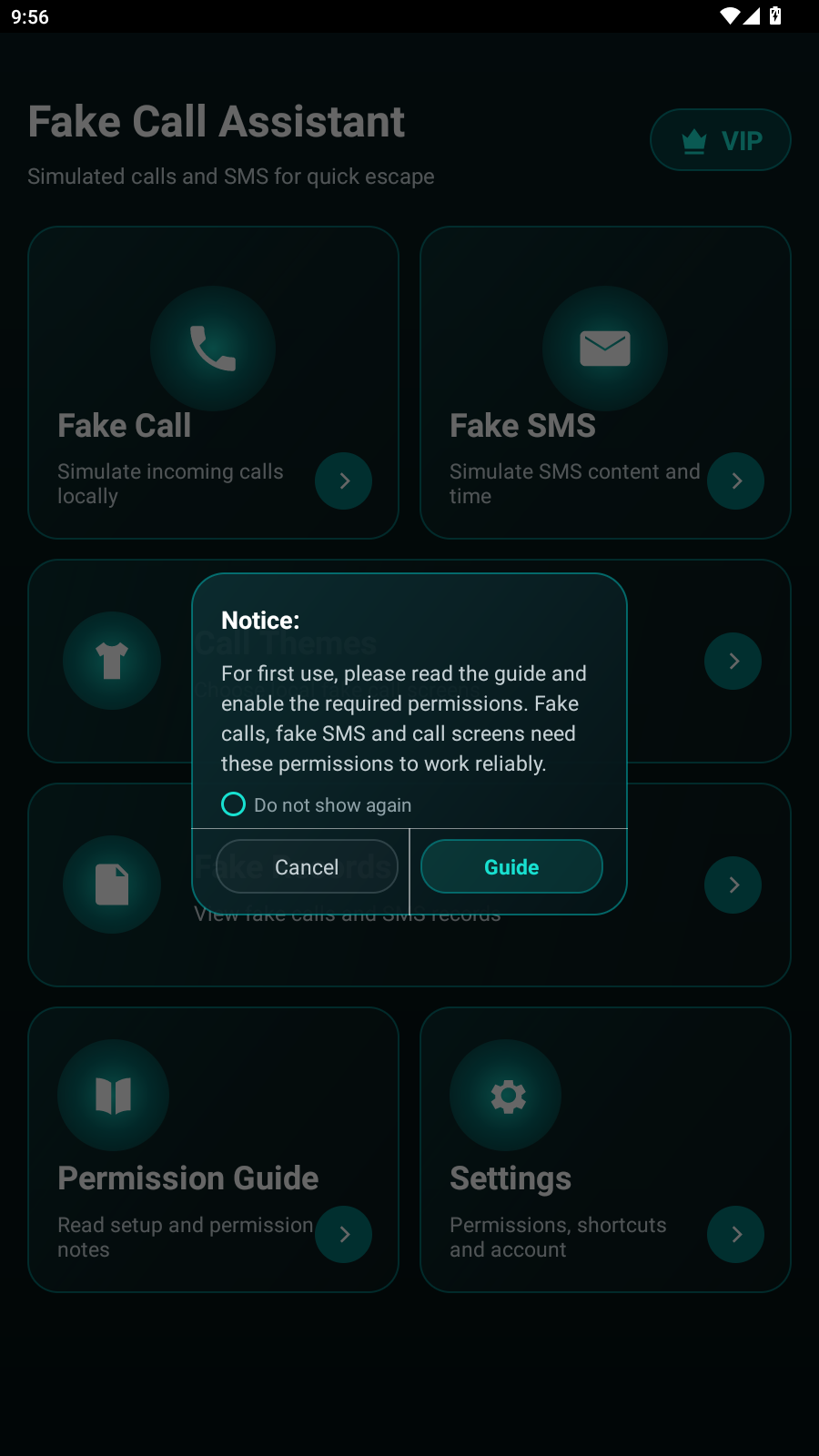
The app does not dial another person or connect a live phone call. It prepares a call-style screen locally on the Android device, then opens it after the countdown you choose.
- Enter a fictional or consented caller identity.
- Choose the delay, ringtone, vibration and visual theme.
- Run a short test and adjust the volume or display settings.
- Start the planned simulation only on your own device.
Android reliability checklist
- Allow overlay or lock-screen display only when that feature is needed.
- Exclude the app from aggressive battery restrictions for delayed simulations.
- Confirm notification and ringtone volume before a rehearsal.
- Use the permission guide for device-specific setup.
Common questions
Does it place a real call?
No. The incoming-call screen is simulated locally and does not contact the displayed number.
Can it run after a delay?
Yes. Set a countdown, then test background and battery settings on the same Android device.
What is it intended for?
Personal reminders, interface demonstrations, tutorials and consent-friendly scripted scenes.
Related XApp resources