SMS simulation options
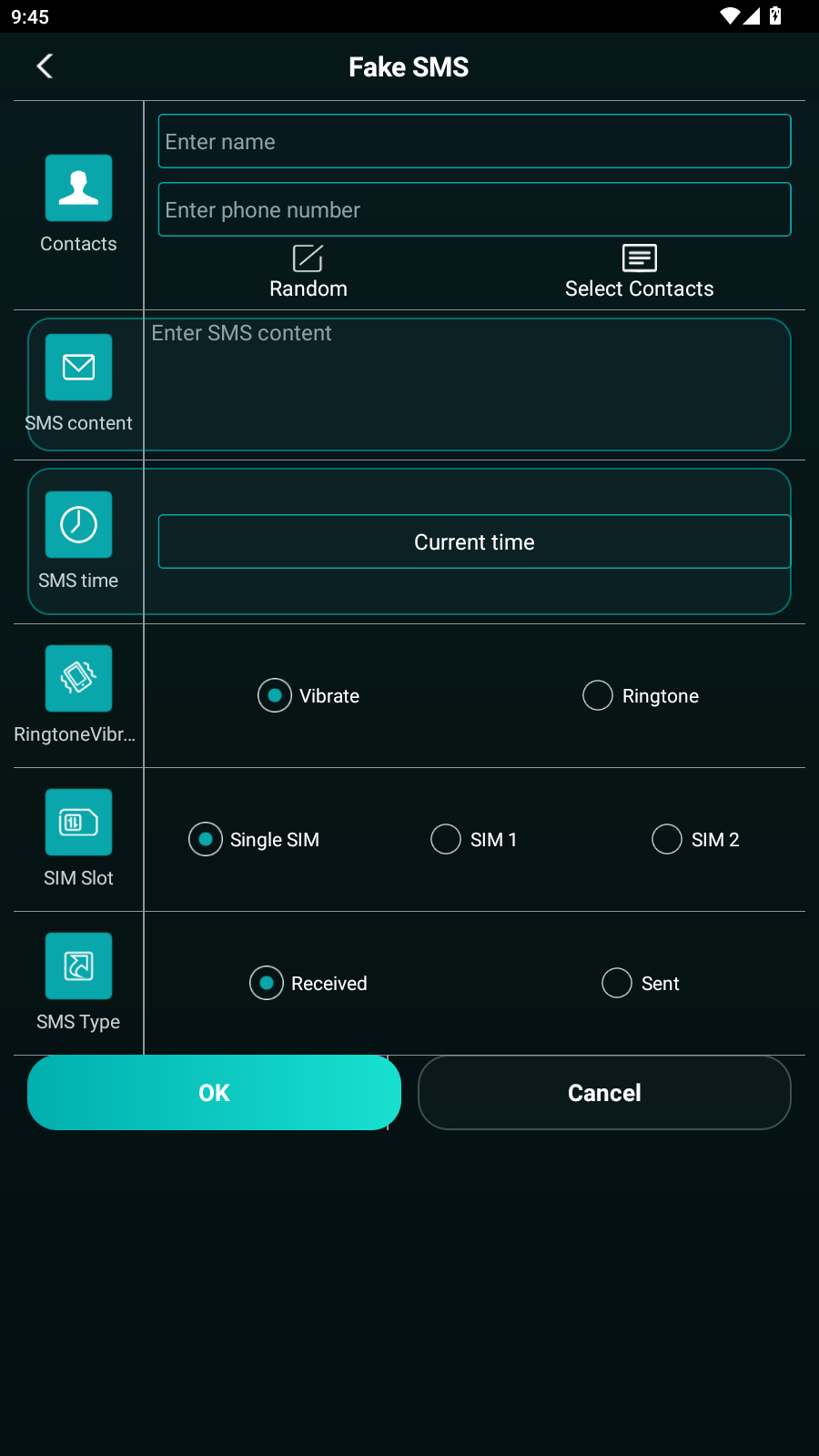
- Set contact name and phone number.
- Write SMS content and select receive or send direction.
- Choose SMS time and alert behavior.
- Use the feature for UI demos, reminders and harmless personal scenarios.
Create clearly staged message-style UI demos on your own device with contact information, message text, time, receive/send direction and alert options.
The result stays inside the simulator. It does not send an SMS through your carrier and does not modify a real conversation.
No. It displays a local SMS-style simulation only.
The product page explains the current download and license. It creates an on-device interface demo and is not an anonymous SMS sending or verification-code service.
No. Simulated screens are not evidence of a real conversation and must never be presented as such.
Yes. The same XApp package also includes local call-simulation features for scripted, lawful demonstrations.