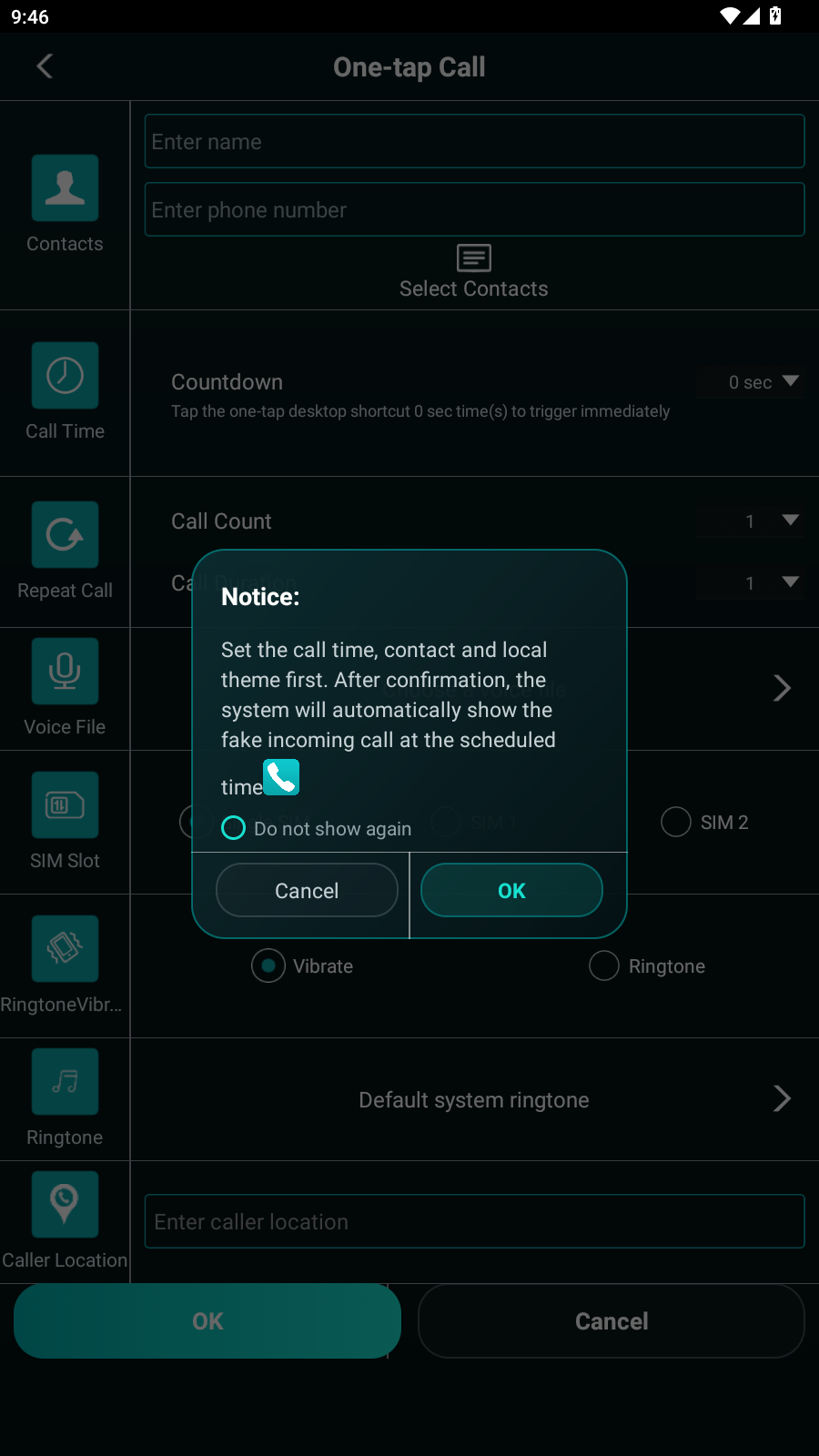
How the simulator works
- Install the Android APK on a device you control.
- Enter a fictional or consented caller identity.
- Choose the countdown, ringtone, vibration and call-screen theme.
- Run a short private test before relying on a delayed simulation.
The app renders the scene locally. It does not dial the displayed number or place a carrier call.
Choose the right guide
Before the first simulation
- Confirm notification and ringtone volume on the same device.
- Test whether the screen can appear while the phone is locked.
- Check battery restrictions if the countdown runs in the background.
- Keep caller names and scenario details fictional or consented.
Frequently asked questions
Does it call another phone?
No. The call-style screen is generated locally on your Android device.
Can it show after a delay?
Yes, but Android background and battery rules vary by manufacturer. Test the same timing and device settings before use.
Does the APK include SMS demos?
Yes. Call Simulator Assistant includes local call, SMS-style and call-record simulation features.